
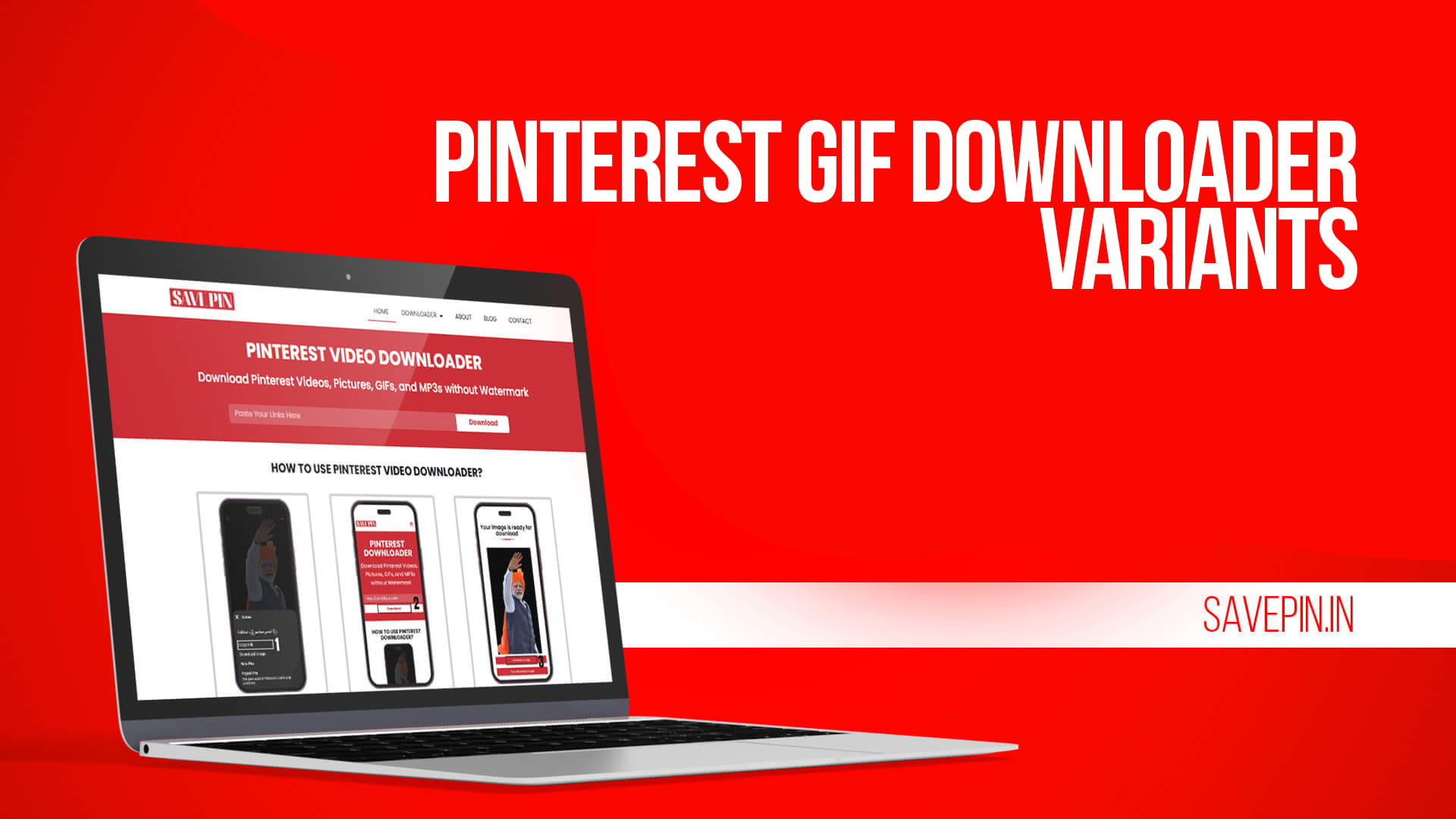
Saving a GIF from Pinterest by right clicking usually gets you a still frame. One picture, no motion, nothing like what you were looking at. That happens because Pinterest often displays animated pins as a video element or a preview image, so the browser hands you a screenshot of the first frame instead of the actual file.
SAVE PIN pulls the animated file itself. Paste the pin link, download, and the loop still loops.
How to save an animated pin
- Open the GIF pin in the Pinterest app or on pinterest.com.
- Tap share, then “Copy link.” On desktop, copy the URL from the address bar.
- Paste it into the Pinterest GIF downloader.
- Choose the GIF option and download.
On Android, the file lands in Downloads. On iPhone, Safari saves it into Files, and GIFs behave a little differently there than photos do. Move it to Photos through the share sheet, and it will animate in the Photos app, though iOS sometimes shows a still preview in the thumbnail grid until you open it. That’s an iOS display quirk, not a broken file.
If a pin.it short link won’t paste correctly, open it in a browser first and let it expand to the full pinterest.com URL.
Keeping the animation quality
GIF quality is a different animal from video quality, and it’s worth understanding what you can control. A GIF is capped at 256 colors per frame, so gradients and skin tones band no matter what you do. Frame rate and dimensions come from the original file. If someone uploaded a choppy 10fps loop, you get a choppy 10fps loop.
Where things usually go wrong is conversion. Run a GIF through a random online converter and you often lose frames, drop the frame rate, or come out with a file that plays once and stops. SAVE PIN doesn’t re-encode. It fetches what’s stored and hands it over, which is the simplest way to avoid the whole problem. There’s more on downloading Pinterest GIFs without losing animation quality if you want the longer explanation.
One practical note: some animated pins on Pinterest were uploaded as short MP4 clips, not true GIFs. When that’s the case you’ll see a video option instead. The motion is identical and the file is usually smaller and smoother, so take it.
No ads, no app, no signup
Plenty of GIF sites bury the real download button under fake ones, throw a countdown at you, or ask to send push notifications before anything happens. None of that here. The button you press is the file you get.
There’s no account either, which means the tool never connects to your Pinterest profile, never sees your boards, and can’t pin anything under your name. Nothing to connect means nothing to leak.
No watermark gets added. A GIF with a logo baked into every frame is unusable for a reaction, a Discord emote, a presentation, or anything else you’d actually want it for.
Browser only, any device
Nothing installs. It runs in Chrome, Safari, Firefox, Edge, Samsung Internet, or whatever browser came with your tablet. No storage used, no background process, no permissions requested.
If you’re collecting a set of reaction GIFs in one go, keep the page open in a pinned tab on desktop and cycle through: copy, paste, download, next.
Where people actually use these
Group chats and Discord servers are the obvious ones, though watch file size. Discord caps uploads on free accounts, and a 2000 pixel GIF will get rejected where a 480 pixel one sails through. Slack and WhatsApp both handle GIFs, but WhatsApp converts them to short videos on the way through, which is fine for viewing and annoying if you wanted the original.
Designers use them differently: loading animations for reference, UI motion studies, or a library of transitions to point at when explaining an idea to a client. For that, keeping the original file matters more than file size does.
Fair use, briefly
Saving a GIF to send to a friend or keep in a reaction folder is normal. Reuploading someone’s animation as your own, or putting it in something you’re selling, is not. Animators notice, and takedowns get filed.
If a GIF ends up in a client deck or a portfolio, credit the creator or find the source first.
Yes, with no download cap.
Yes, as long as the pin was genuinely animated. If it was a still image with a misleading title, there’s no motion to recover.
The pin was uploaded as a video rather than a true GIF. The motion is the same.
No. Only publicly visible pins.
Yes. Save through Safari, then move the file from Files into Photos.
No, none is added.
Worth keeping open
Pinterest is full of loops that are almost impossible to save properly through the app. A GIF downloader without a watermark that leaves the animation alone fixes that in about ten seconds. Paste a link and see whether it still moves.