
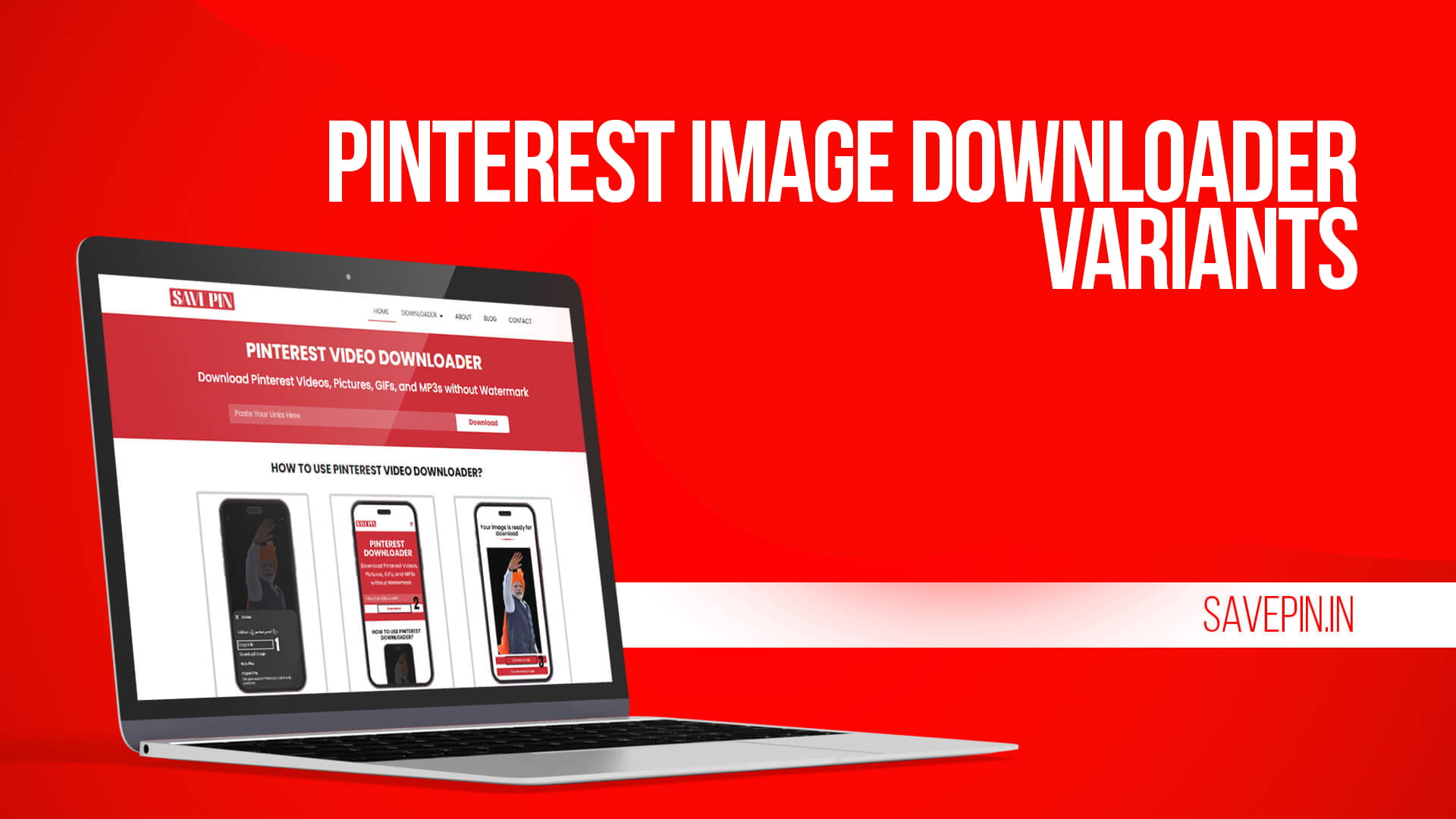
Right-clicking a pin and hitting “Save image as” gets you a thumbnail. That’s the frustrating part. Pinterest serves a shrunken preview in the feed, so the file you grab is often 236 or 564 pixels wide, which falls apart the second you drop it into a moodboard or print it.
SAVE PIN goes after the original upload instead. Paste the pin link, and you get the largest version Pinterest is actually storing, in JPG or PNG, with nothing stamped across it.
Getting the full size file
- Open the pin in the app or on pinterest.com.
- Tap the share icon, then “Copy link.” On a computer, copy the URL from the address bar.
- Paste it into the Pinterest image downloader.
- Pick the largest size offered and download.
Android drops the file in Downloads, and it appears in Gallery shortly after. On iPhone, Safari puts it in Files, and you can long-press it there and choose Save Image to move it into Photos.
Shortened pin.it links sometimes fail to resolve. Open one in a browser, wait for it to redirect to the full pinterest.com address, then copy that instead.
About “HD” and “4K” images
Resolution talk gets slippery with photos, so here’s the honest version. There is no upscaling happening. SAVE PIN reads what Pinterest is hosting and hands you the biggest file available. If a pinner uploaded a 500 pixel graphic, that’s your ceiling, and no tool on the internet changes that.
What has changed is the source material. Photographers pinning straight from Lightroom, designers pinning export files, and anyone pinning from a recent phone are regularly uploading at 2000 pixels and up. Those are the pins where the difference is obvious. A wallpaper, a print reference, a texture for a design file, all of it needs the real dimensions rather than a feed preview.
The practical test: download one and check the file properties. If you’re getting 1200×1800 instead of 236×354, you pulled the original. Some older pins genuinely have nothing better stored, and that’s the pin’s fault, not the downloader’s.
No ads, no app, no account
Most free image savers make you work for it. Fake download buttons, a countdown, a popup asking to send notifications, sometimes a redirect to something you didn’t ask for. SAVE PIN doesn’t run any of that, and the download link is the actual download link.
You also never log in. The tool never touches your Pinterest account, so it can’t see your boards, your saves or your search history, and it can’t pin anything on your behalf. Nothing to connect means nothing to leak.
And there’s no watermark. That’s the whole point of a Pinterest image downloader without a watermark: a file with a logo across the corner is fine for looking at and useless for anything else.
Works on whatever you’re holding
No APK, no App Store download, nothing running in the background. It’s a web page, so it works in Chrome, Safari, Firefox, Edge, Samsung Internet, and the browser on your tablet. It takes up no storage and asks for no permissions.
If you save a lot at once, keep the downloader open in a pinned tab on desktop. Copy, switch, paste, download, go back. It’s considerably faster than the app.
Saving a batch without losing your mind
Grabbing forty pins one at a time is tedious, and there are a few ways to make it less painful. Copy links in bulk into a notes app first, then work through them in one sitting rather than switching apps forty times. Rename files as you go if you’re building a reference folder, because Pinterest filenames are meaningless strings and future you will not remember which is which. And create folders by project before you start, not after.
Using the images fairly
Downloading for a moodboard, a personal reference folder, a wallpaper, or a client presentation you’re not selling is ordinary use. Reposting someone’s photo as your own work, or selling prints of it, is not, and photographers do file takedowns over exactly that.
If you’re putting a pin in a deck or a portfolio, credit the photographer or track down the source. Reverse image search usually finds it in under a minute.
Yes. No download limit and no paid tier holding back the larger sizes.
No. You get the file as uploaded.
No. Only publicly visible pins are reachable, the same as in any browser.
JPG or PNG, matching whatever was uploaded.
Yes, through Safari, then move the file from Files into Photos.
The pinner uploaded a small file. What Pinterest received is all that exists.
Worth a bookmark
Pinterest is excellent for finding images and awkward for keeping them. A downloader that pulls the full size original instead of a preview turns a board into a usable archive. Paste a link and check the dimensions you get back.